Your phone is a second monitor now.
Scan a QR code and your phone becomes a monitor shaped exactly like it, with live widgets beside it. No cable, no dummy plug, no app store.
Free and open source, for Windows, macOS and Linux. Install guide
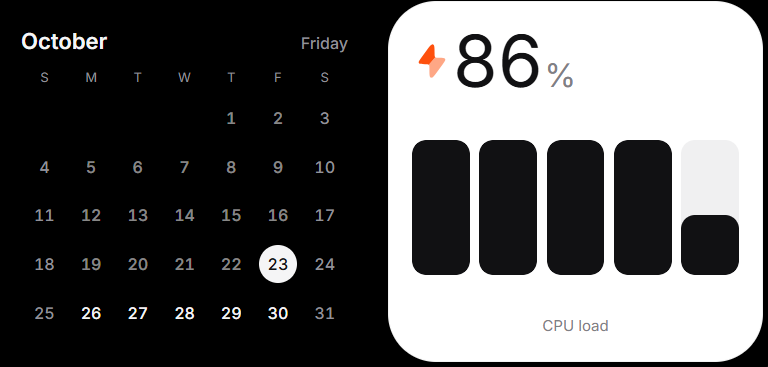
Monitor, widgets, or both.
Split view gives part of the phone to the monitor and the rest to your widgets. Pick a split, and the PC adds a monitor to fit it.
What it does
Display mode
The phone becomes a real extra monitor. Your OS sees a new display sized to the phone, and you drag windows onto it.
Widget board
The phone shows widgets: PC stats, what's playing, your repositories, and anything the community builds.
Split view
Both at once. The split you pick sets the size of the second monitor.
No app store
The phone app is a web app the PC serves over your Wi-Fi. Scan a code, and it's there.
Make a widget
Widget StudioPlanned
Pick a source, pick a component, and watch it live on your phone. No code.
Describe itPlanned
Say what you want in a sentence; the generator makes it and opens it in Widget Studio to adjust.
SDK and CLIPlanned
Terminal
npm create shiftpane-widget@latestTemplates for PC data, web APIs, apps on your PC and phone-only widgets, with live reload on your paired phone.
One package
All three make the same small folder, so anything you make can be shared here.
Safe by design
Nothing runs on the phone
A widget's view is JSON drawn with ShiftPane's own components. No third-party code ever runs on your phone.
A sandbox on the PC
Collectors run in a WebAssembly sandbox with no files, no processes, and a fetch that only reaches the hosts they declared.
Permissions in plain words
Installing says what a widget can do: “Reads your GPU load. Can reach api.github.com.” An update that asks for more asks again.
Reviewed, then signed
Automated checks, then a person, before anything is listed. The app refuses a package whose signature or hash doesn't match.
How it works
Desktop app
Pairs with phones, serves them the phone app, and runs widget collectors. The only process that talks to the phone.
Native helper
A small Rust program, and the only one that talks to the OS: it creates the virtual monitor and reads the PC's stats.
Phone app
A web app you can add to the home screen. It plays the monitor's video and draws the widget board.
What leaves your PC
Video of the virtual monitor, and finished widget data, to your phone only. Secrets and system access stay on the PC.
Platforms
Windows
Virtual Display Driver, installed once with winget. Installer: .exe.
macOS
Built in from macOS 11, no driver. Installer: .dmg.
Linux
GNOME, KDE, wlroots compositors and X11. AppImage and .deb.
Phones and tablets
iPhone, iPad and Android, in the browser they already have.
Open source
The app
ShiftPane, its SDK and the widget format are MIT licensed.
Every widget
Ships readable source under an OSI-approved license. No minified or obfuscated code.
No lock-in
The app loads widgets from a folder too, so this gallery is the default, not the only way.